



BitBeard Pro flashen
Install the latest BitBeard Pro firmware with FPGA, Pool, Cluster, and AutoPay support.
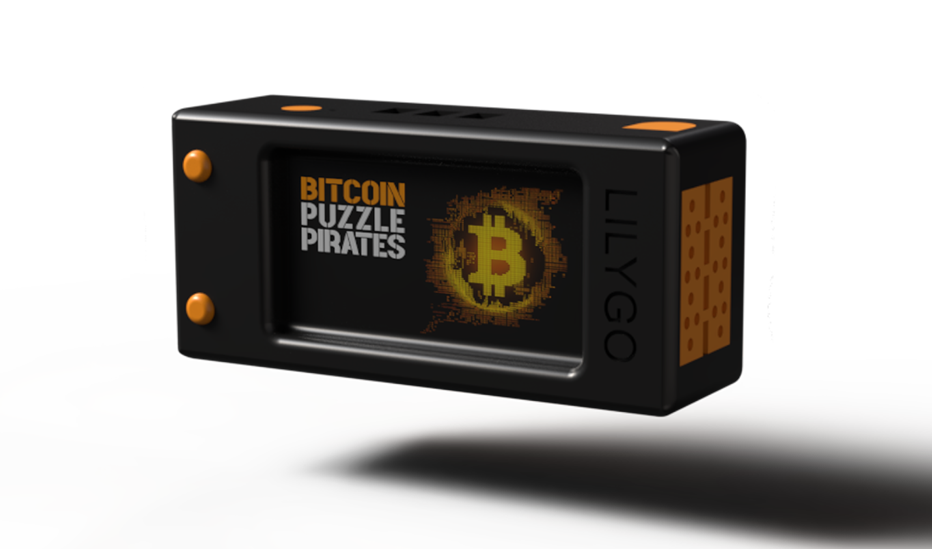
Note: Flashing is currently only supported with a Windows PC and a USB data cable.
The latest Pro firmware will be automatically selected.
Reboot after flashing
Restart BitBeard after a successful flash. For USB power supply: briefly disconnect and reconnect the USB cable. The display may remain black until restart.
Nach dem Löschen neu flashen: Tastenfolge mit Bild anzeigen
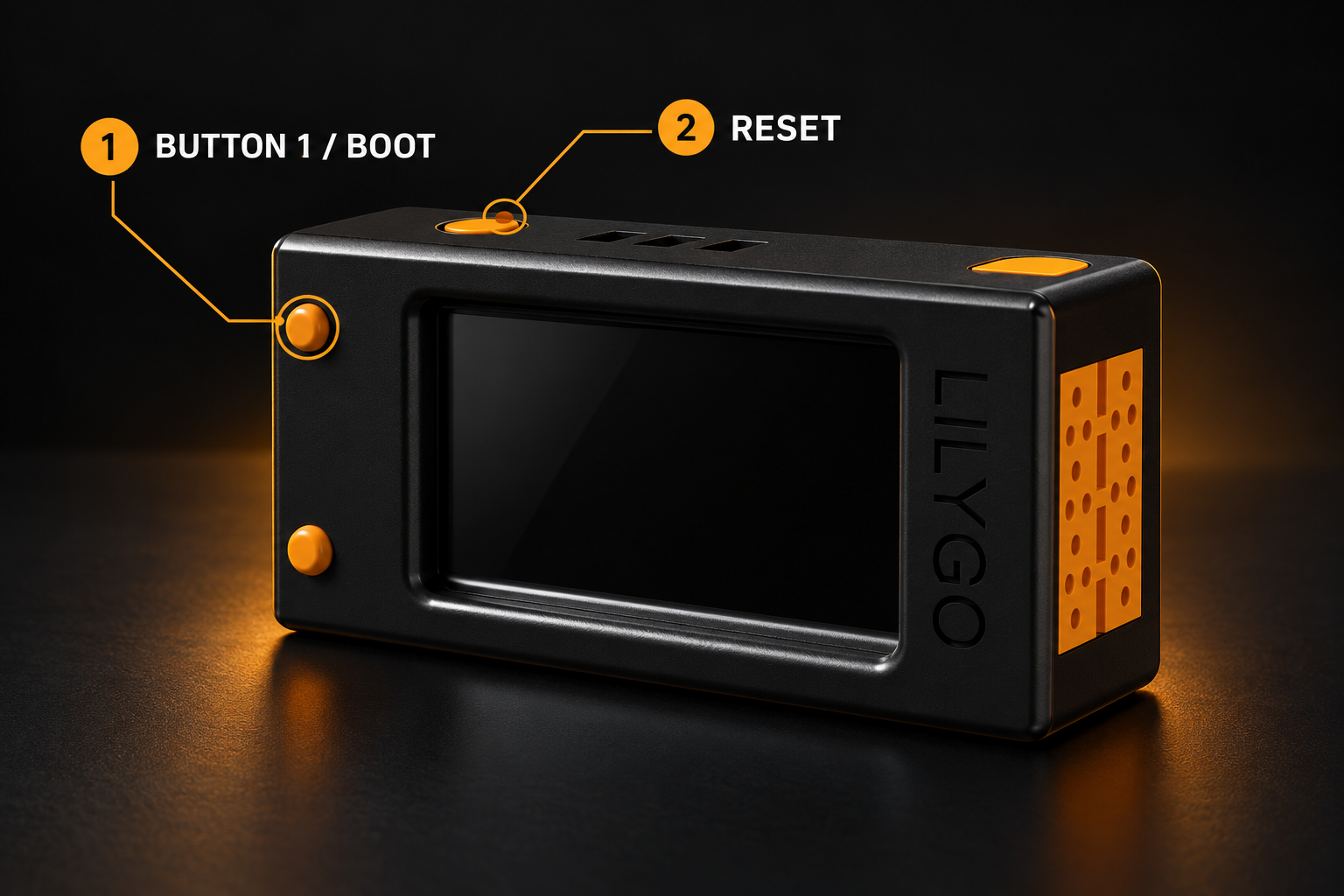
Bereit zum erneuten Flashen
Nach dem vollständigen Löschen bleibt das Display schwarz. Verbinde BitBeard per USB-Datenkabel mit dem Computer und starte den Flash-Modus:
- Button 1 / BOOT vorne links oben gedrückt halten.
- Während du Button 1 hältst: Reset oben links einmal kurz drücken und wieder loslassen.
- Danach Button 1 loslassen. Das Display bleibt im Flash-Modus schwarz.
- Gerät auswählen, Pro- oder Community-Firmware flashen und das USB-Gerät im Browser bestätigen.
Nach erfolgreichem Flashen: Reset einmal kurz drücken oder USB kurz trennen und wieder verbinden. Erst dann startet BitBeard mit der neuen Firmware.
Download FPGA firmware
Select your accelerator and download the matching BIN file. Installation is then performed locally with Alchitry Loader.
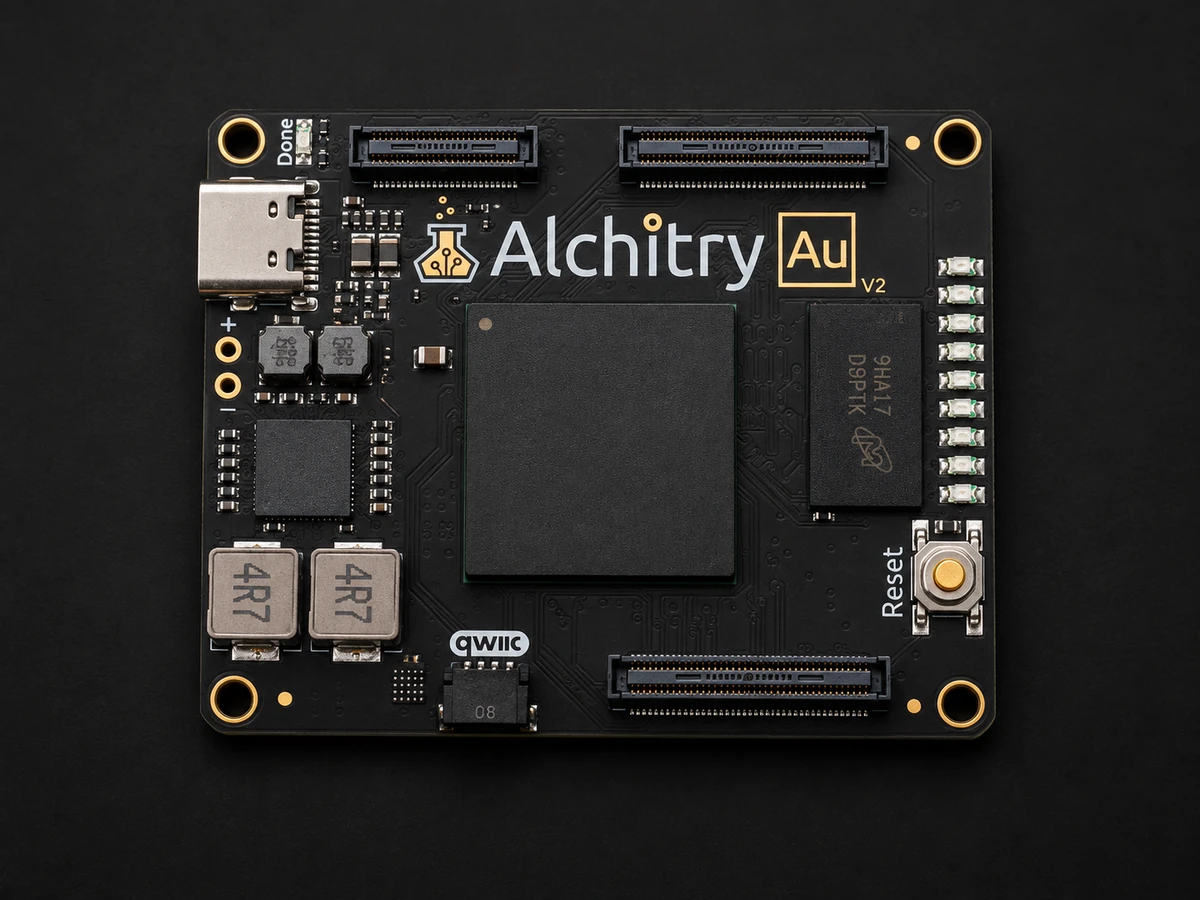
- Artix-7 XC7A35T-2
- 104 output I/O pins
- 256 MB DDR3L
- 100-MHz oscillator
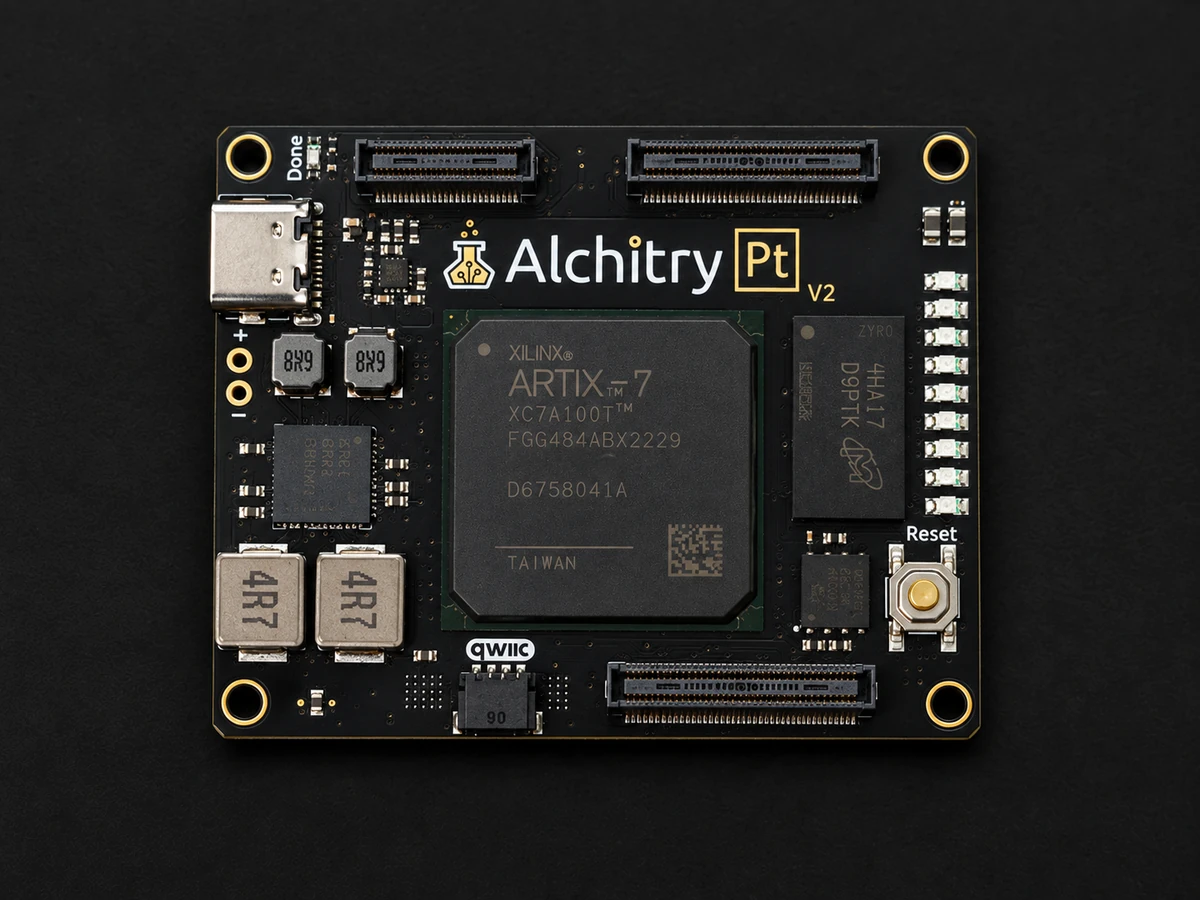
- Artix-7 XC7A100T-2
- 206 output I/O pins
- 256 MB DDR3L
- 100-MHz oscillator
The actual speed depends on search type, target count, firmware version, and order. The figures are measured reference values of the current BitBeard firmware.
The bridge between LilyGo and FPGA
BitBeard adapter boards
Connect your LilyGo T-Display S3 cleanly to an Alchitry Au V2 or Pt V2. You can get the fully populated board from the shop or download the manufacturing files and order it yourself from a PCB manufacturer.
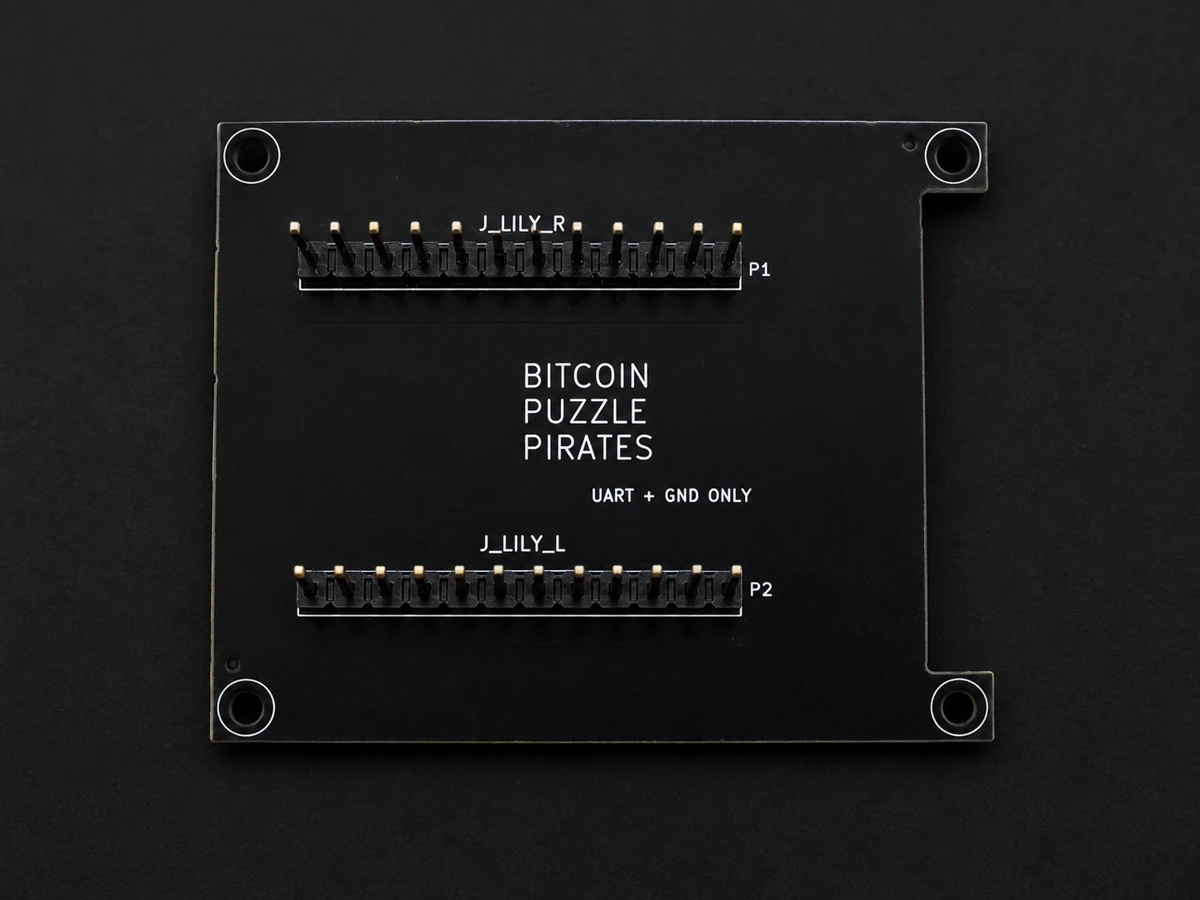
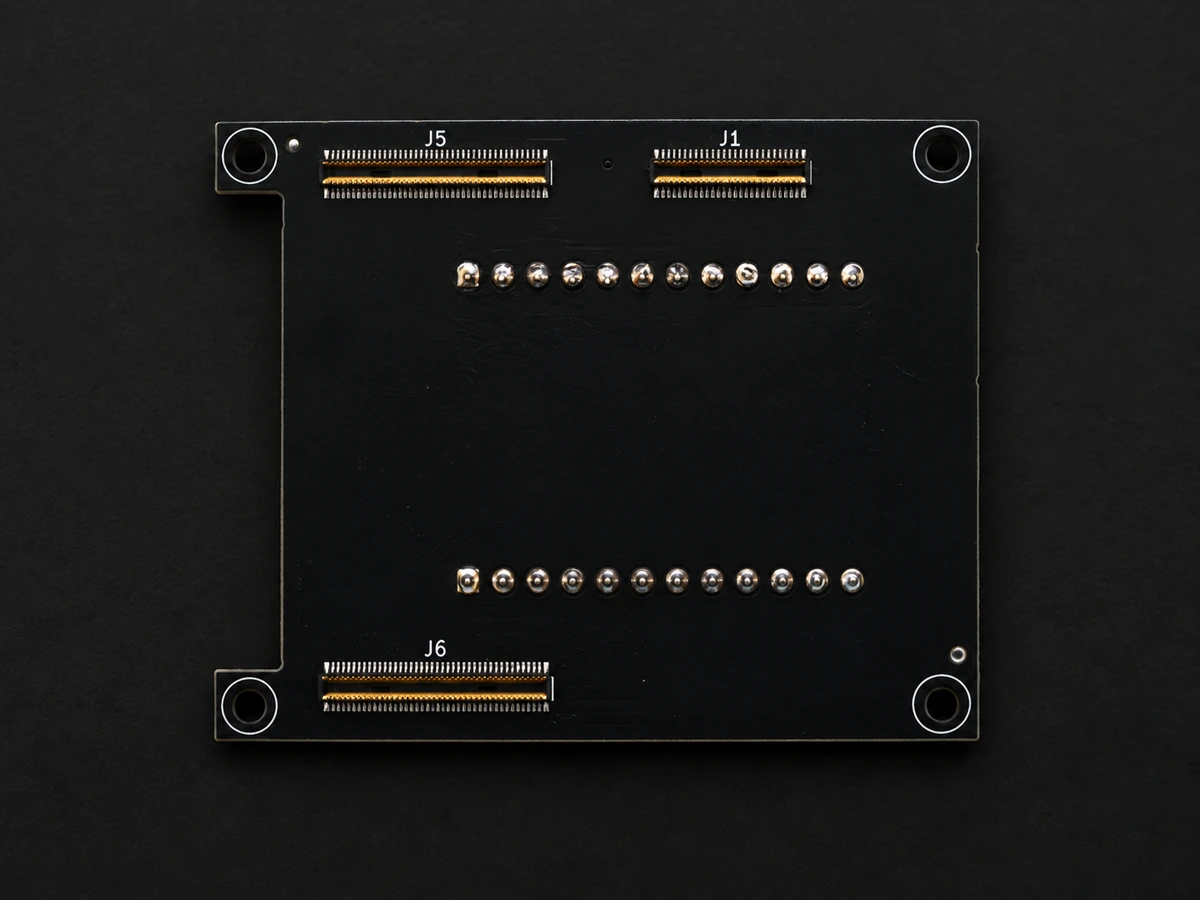
One board, two options
- Order complete: fully populated with the required connectors.
- Build yourself: Download KiCad, Gerber, drill, BOM, CPL, and STEP files from GitHub.
- Compatible: LilyGo T-Display S3 as well as Alchitry Au V2 and Pt V2.
Shop product and download will be activated after final approval.
Flash BitBeard Community
With the free Community edition, LilyGo performs the search calculations itself. The firmware offered here is the published community version of the BitBeard project.
Free and transparent: Select your supported device. The latest released community firmware will be used automatically.
Reboot after flashing
Restart BitBeard after a successful flash. For USB power supply: briefly disconnect and reconnect the USB cable. The display may remain black until restart.
Nach dem Löschen neu flashen: Tastenfolge mit Bild anzeigen
Bereit zum erneuten Flashen
Nach dem vollständigen Löschen bleibt das Display schwarz. Verbinde BitBeard per USB-Datenkabel mit dem Computer und starte den Flash-Modus:
- Button 1 / BOOT vorne links oben gedrückt halten.
- Während du Button 1 hältst: Reset oben links einmal kurz drücken und wieder loslassen.
- Danach Button 1 loslassen. Das Display bleibt im Flash-Modus schwarz.
- Gerät auswählen, Pro- oder Community-Firmware flashen und das USB-Gerät im Browser bestätigen.
Nach erfolgreichem Flashen: Reset einmal kurz drücken oder USB kurz trennen und wieder verbinden. Erst dann startet BitBeard mit der neuen Firmware.