BITBEARD

BitBeard. Discover it step by step.

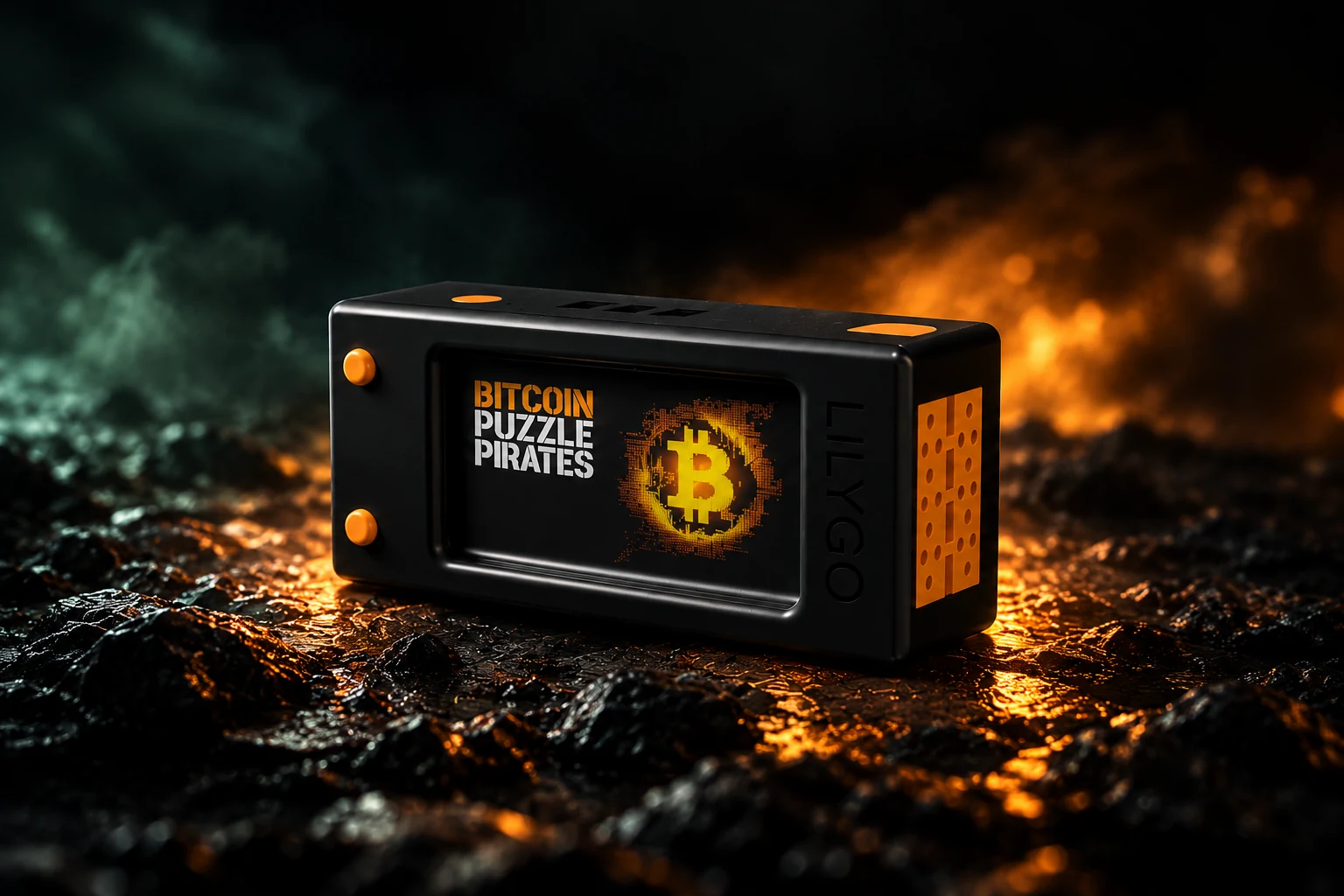
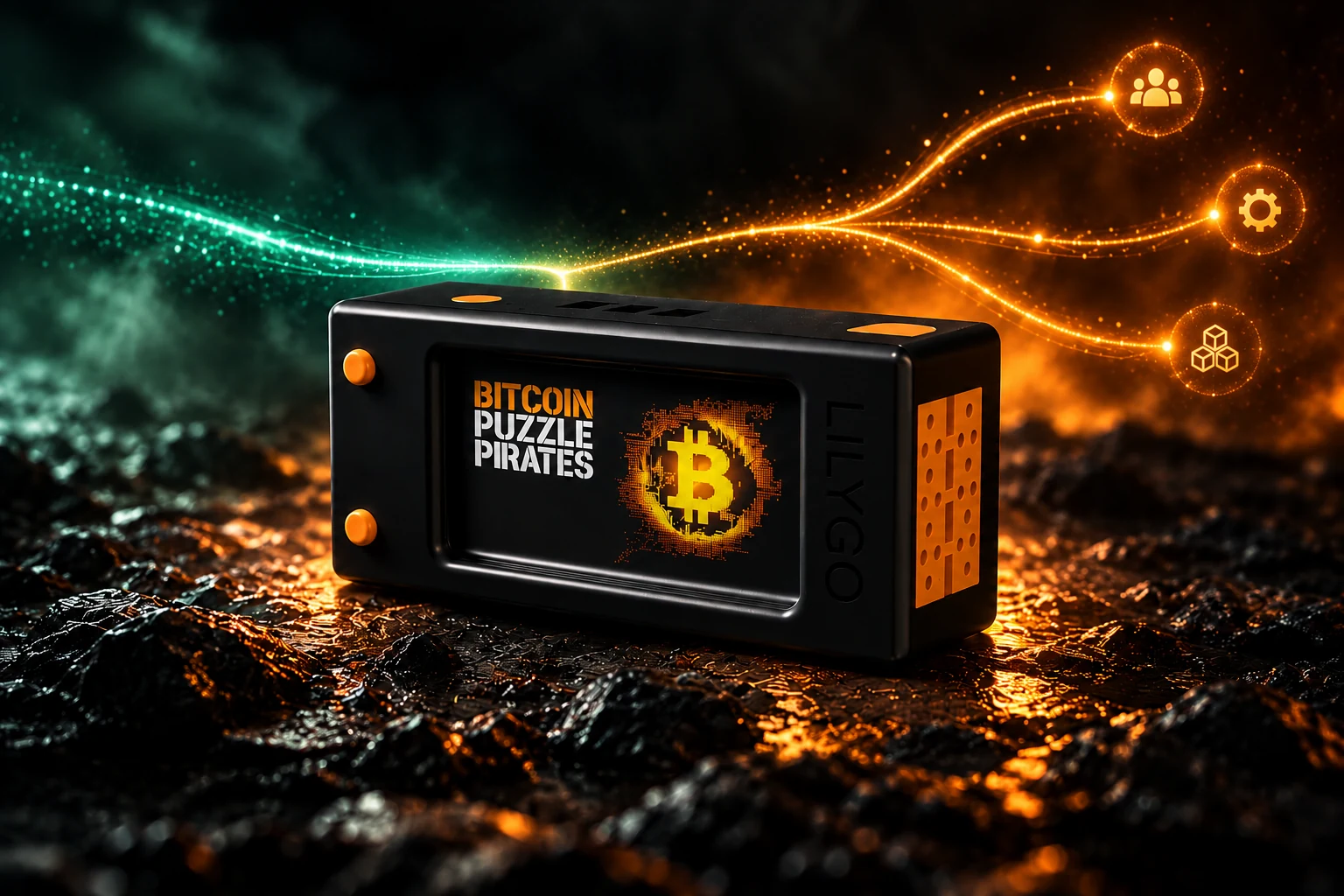
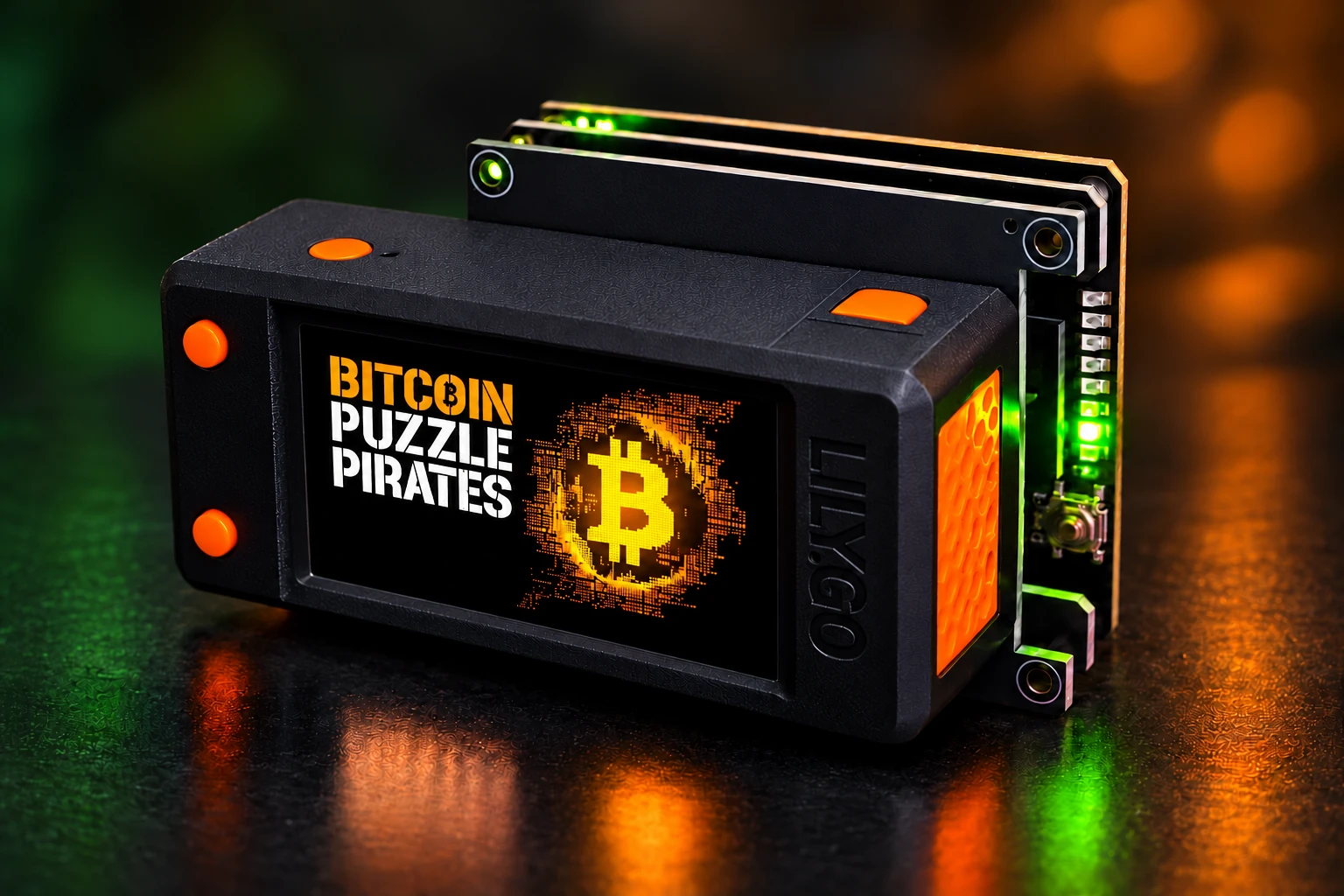
BitBeard in the black original casing with orange buttons – studio setup

Image staging based on original templates · Displays and light effects as functional examples

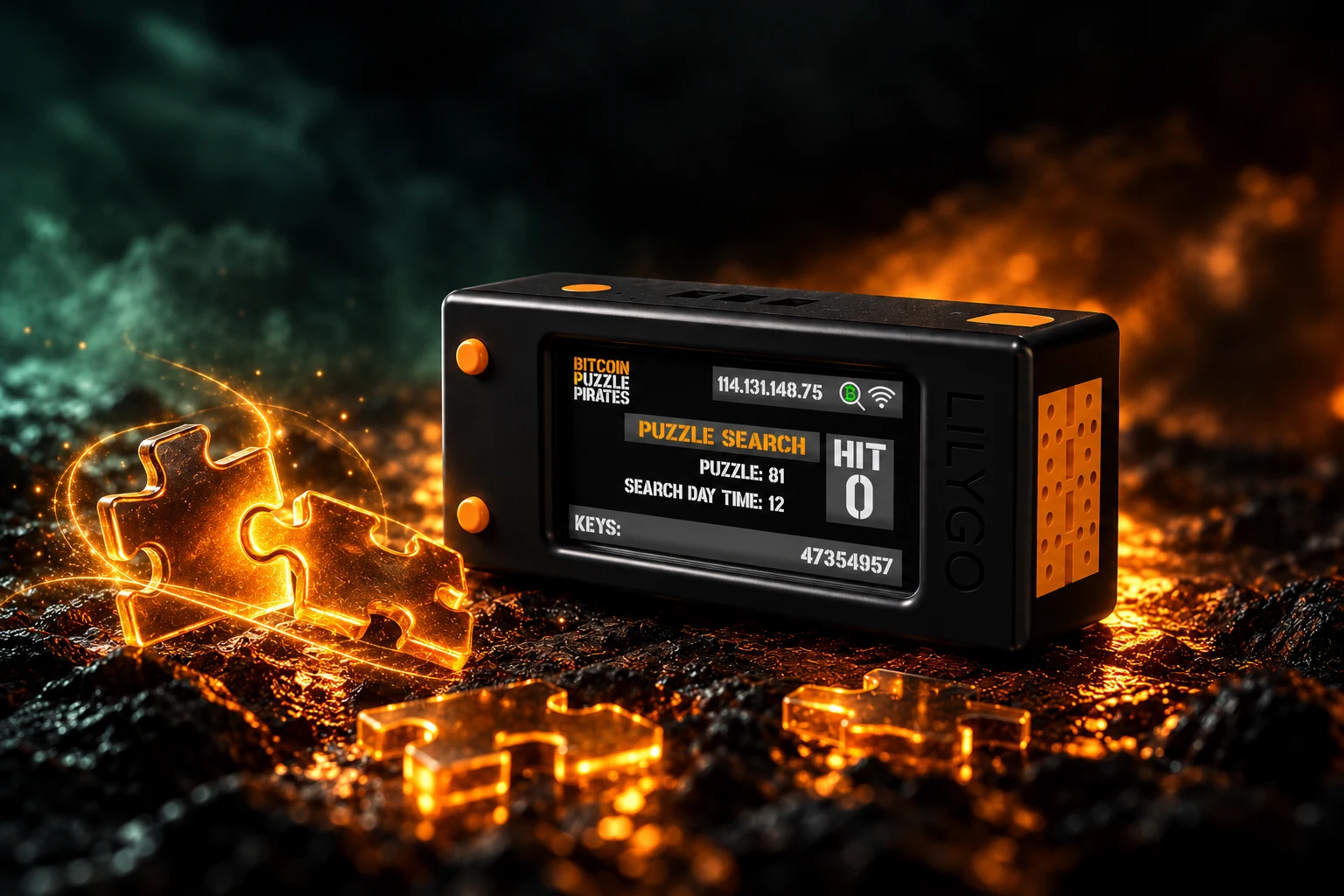
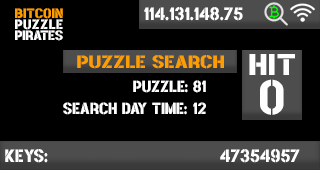
Puzzle Search – Image staging with BitBeard in the original casing
Staged demonstration · no current measurements

01 / 08 Community + Pro

Puzzle search

Your entry into Bitcoin Puzzles.

A Bitcoin Puzzle is a publicly posted search task: the target address is known, and the possible secret key lies within a defined numerical range. BitBeard checks candidates and compares the resulting addresses with the target. This makes the mathematics behind Bitcoin visible as an ongoing process.

  • Select puzzle and search range.
  • The CPU in LilyGo checks possible keys.
  • Keys shows checked candidates, Hit shows matches; K/s is candidates per second.
  • Pro additionally opens pool operation and supported FPGA search.
View the original display examplePuzzle search – unchanged display graphics from the project archive

Project archive: example display, no current measurement.

Further information

Local CPU search, puzzle selection, and progress indicator. Known puzzles have fixed search ranges; the display shows the principle, not a guaranteed find.

Next step ↓
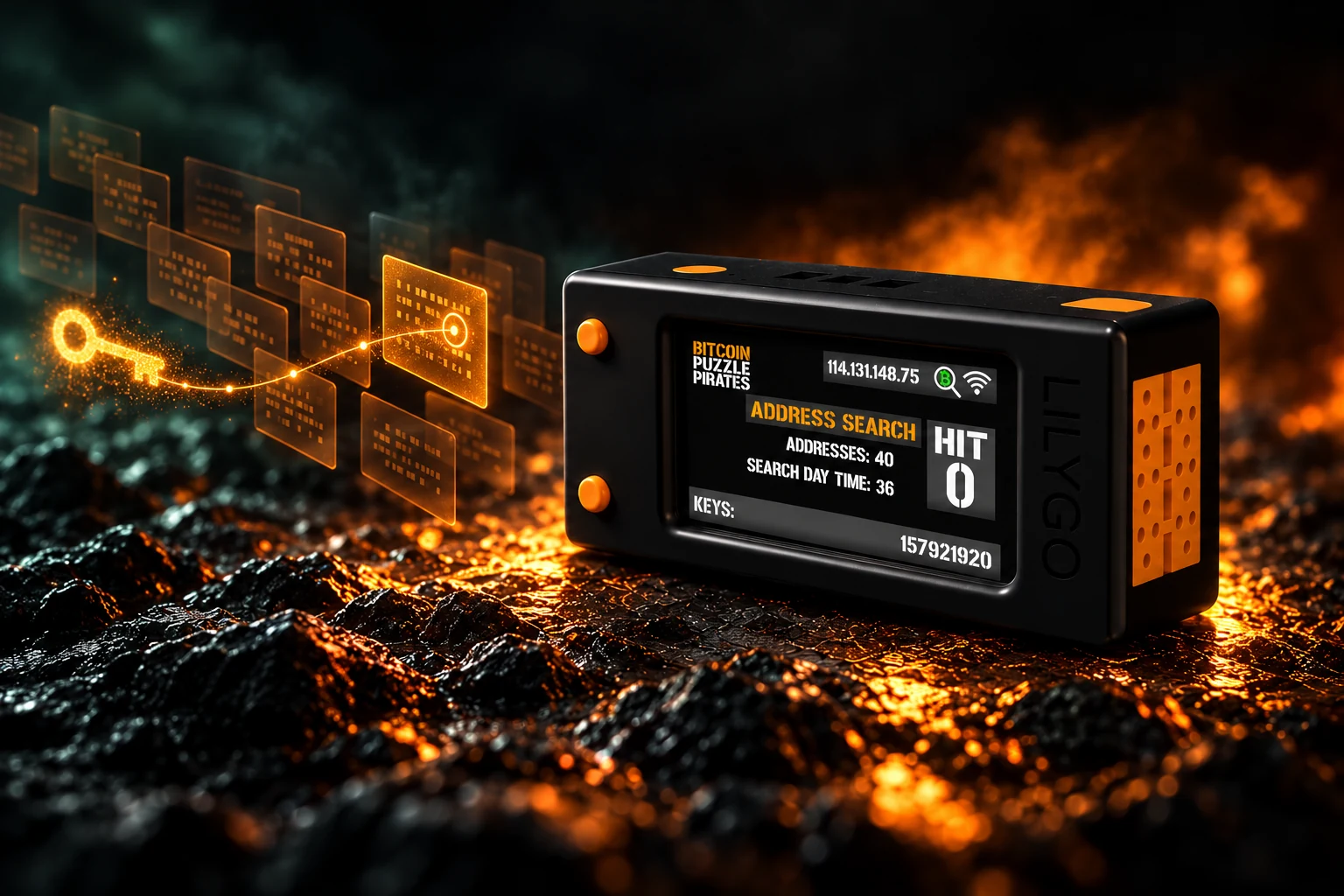
Address search – BitBeard in its original housing with image staging
Staged demonstration · no current measurements

02 / 08 Community + Pro

Address search

Your specifications. A clear search range.

You have a target address and hints about a limited key range? In address search, you set the specifications yourself. BitBeard generates candidates from this and checks whether the matching address is formed. An address alone does not yet make the vast search space practically searchable.

  • Set target address and own search specifications.
  • Calculate and compare candidates in the specified range.
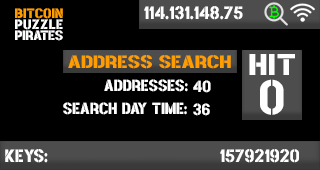
  • Addresses counts targets, Keys counts checked candidates.
  • For your own test data and specifically bounded tasks.
View the original display exampleAddress search – unchanged display graphics from the project archive

Project archive: example display, no current measurement.

Further information

Address and key search with local settings. Advanced expert settings belong to the Pro Edition. Any Bitcoin wallet cannot be simply decrypted with this.

Next step ↓
Seed Recovery – BitBeard in its original casing with staged imagery
Staged demonstration · no current measurements

03 / 08 Community + Pro

Seed recovery

Your hints form a path to search.

A seed phrase is the sequence of words from which a wallet derives its keys. If parts of your own BIP39 word sequence are known, these hints help narrow down and verify suitable combinations. The more information missing, the larger the task becomes.

  • Use known words and permissible constraints.
  • BIP39 verification helps filter out unsuitable combinations.
  • Start with test data; real seed words do not belong on this website.
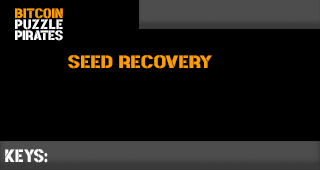
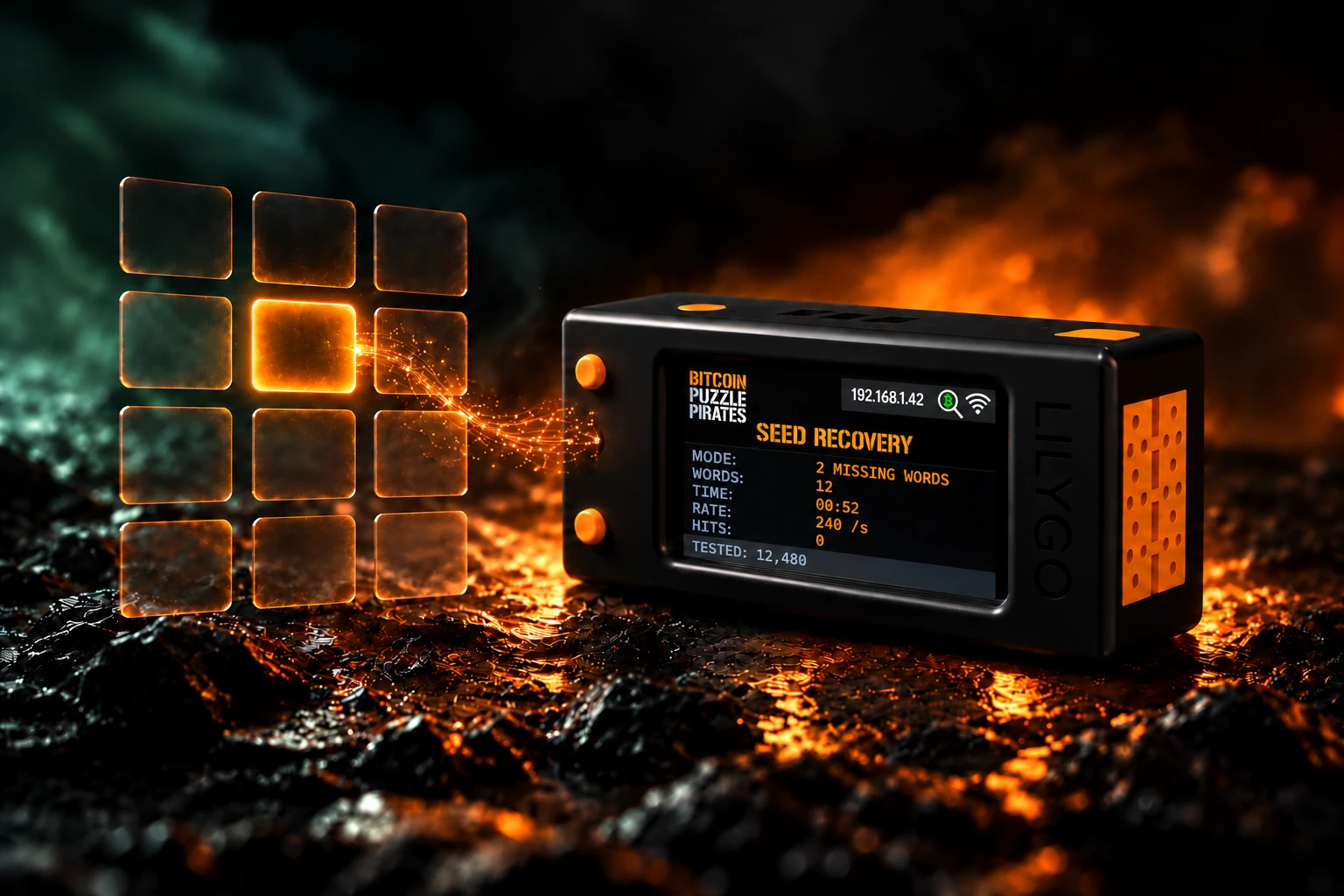
  • The display draft shows mode, word count, runtime, search rate, and checked combinations instead of keys.
  • Upon a find, a QR code leads to the HIT page; there you can stop the calculation and view the hit.
  • The new displays are drafts for future firmware, not current measurements.
View the original display exampleSeed Recovery – unchanged display graphics from the project archive

Project archive: example display, no current measurement.

New Seed Screen and Hit Workflow – Draft

Ongoing Search
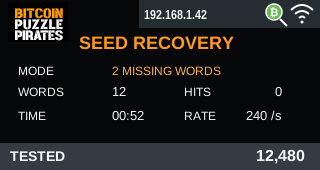
Seed Display Draft with IP, WLAN, and Sample Values

TESTED counts checked combinations. RATE shows combinations per second, TIME the duration. WORDS is the length of the word sequence; MODE describes the task. HITS shows matches based on the set check criteria. Example: 12 words, two missing.

On a Hit
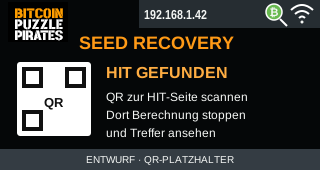
Hit Draft with QR Placeholder for the HIT Page

Scan the QR code, stop the calculation on the HIT page, and view the hit. The QR code should lead to the local HIT page and contain no seed words. Here it is shown as an unscannable placeholder.

Draft for future device display. The firmware has not yet been adjusted for this. All values are examples. A valid BIP39 checksum alone does not confirm a wallet hit.

Further information

BIP39 verification and recovery aids for your own data. The tour uses only empty example cards. Real seed words are neither entered nor transmitted here.


Next step ↓
Pool – BitBeard photo shoot in original casing
Staged demonstration · no current measurements

04 / 08 Pro

Pool

Working together towards a common goal.

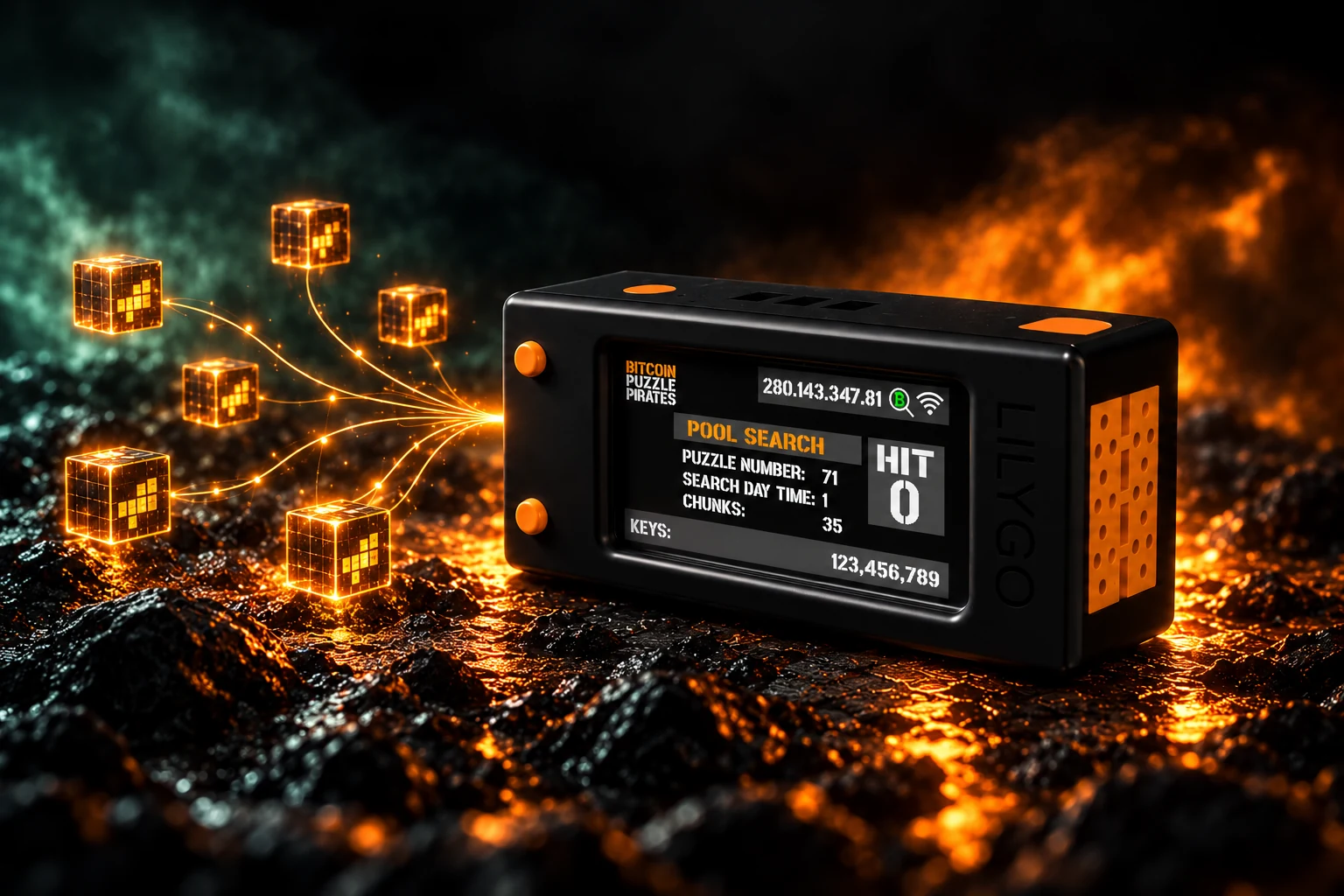
In the Pool, a large puzzle task is divided into smaller work packages. Your BitBeard picks up an assignment, processes it, and reports the intermediate status. You are thus working on the same task as other participants and can track your contribution.

  • Pro feature: Retrieve search assignments from the Pool.
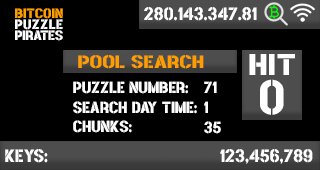
  • Chunks are the assigned work packages.
  • Track progress on the device and save intermediate results.
  • Pool operation requires a connection to the Pool service.
View the original display examplePool – unaltered display graphics from the project archive

Project archive: example display, no current measurement.

Further information

Pool operation requires the Pro edition and a connection to the Pool service. Assignments are divided into areas. Automatic payout and transaction processes are separate Pro features; conditions and availability depend on the released version.

To the license offer in the shop →Next step ↓
Cluster – Image staging with BitBeard in the original case
Staged demonstration · no current measurements

05 / 08 Pro

Cluster

Multiple devices. A shared overview.

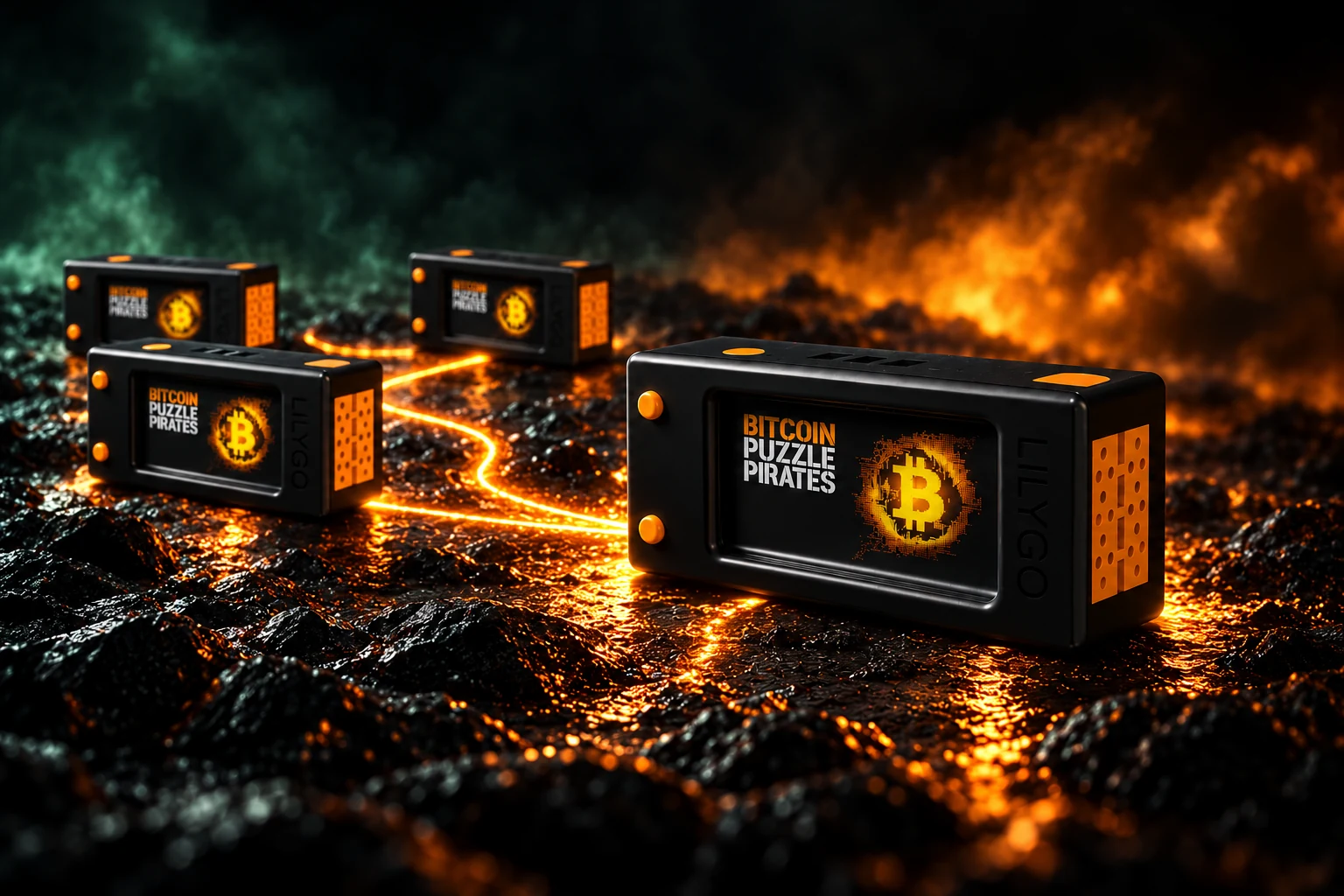
Multiple own BitBeards can work as a team. One device takes the lead as Master and distributes tasks to the Workers. These compute their subtasks and report their status back. This makes organizing multiple devices easier.

  • Pro feature: Operate Master and Worker together.
  • Distribute tasks across multiple devices.
  • Track status and feedback centrally.
  • For a growing own group of devices.
Further information

Master/Worker operation and Cluster execution are Pro features. The graphic explains the role distribution; it is not a measurement of specific computing power.

To the license offer in the shop →Next step ↓
FPGA – Image staging with BitBeard in the original case
Staged demonstration · no current measurements

06 / 08 Pro + Expansion

FPGA

Expand your onboard toolset.

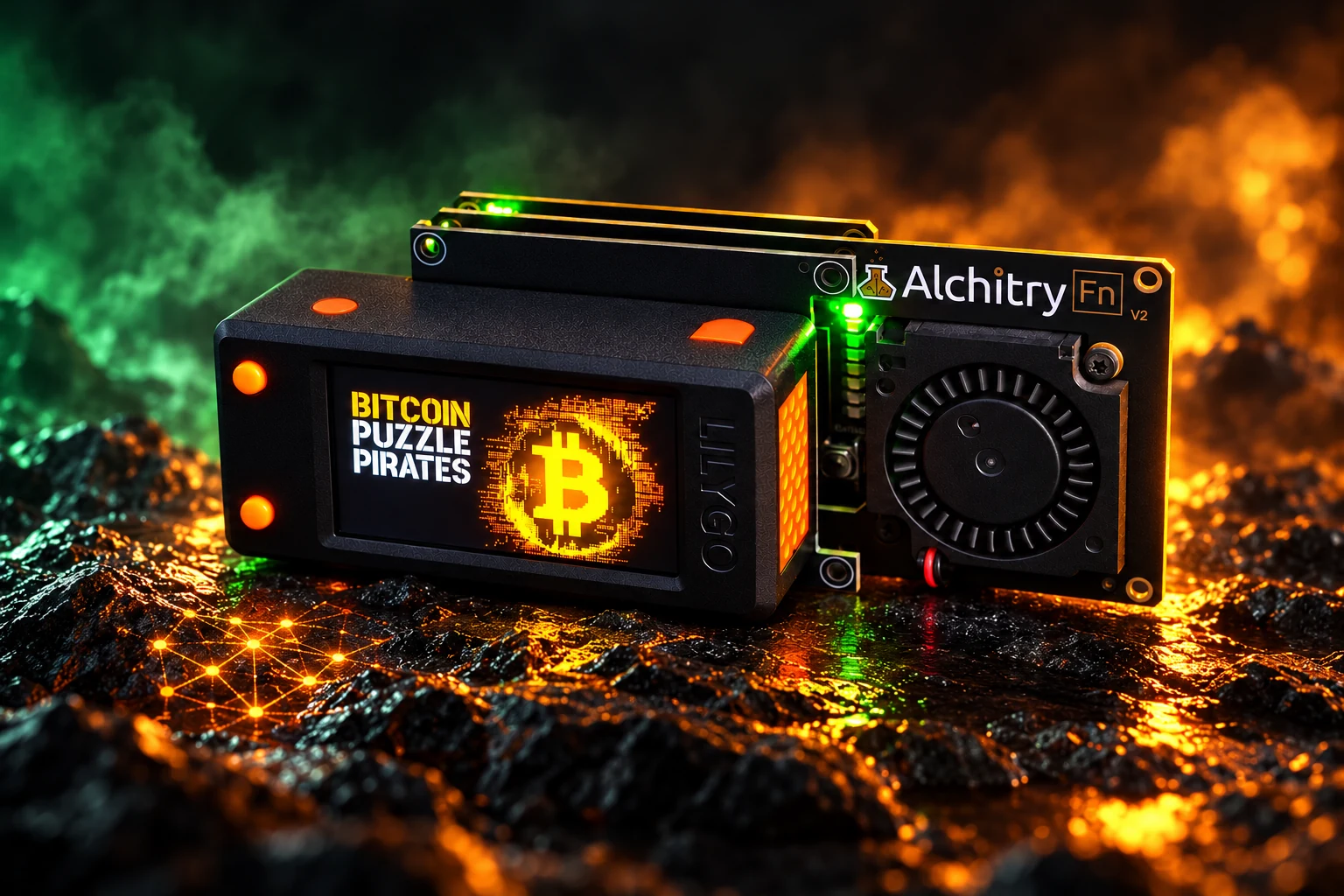
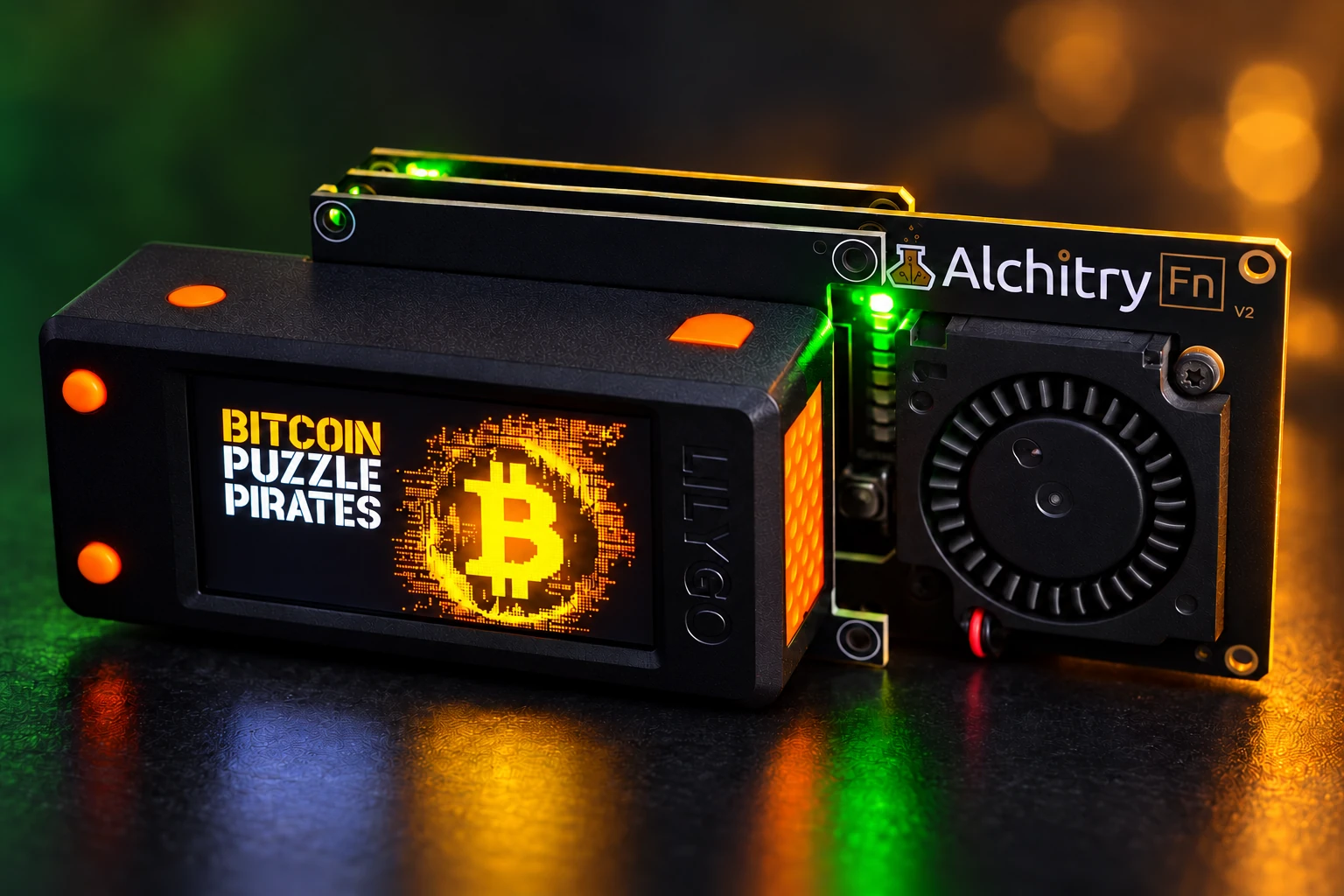
An FPGA is a programmable special chip. While BitBeard handles operation and control, the external board calculates released search tasks. The adapter connects both devices. You can start with the LilyGo and expand your setup later.

  • Pro function supported by Alchitry Au V2 or Pt V2.
  • LilyGo in enclosure, adapter, and FPGA as a matched setup.
  • Sp creates distance; Fn V2 adds fan cooling.
  • Acceleration depends on board, firmware, and search mode; not every function uses the FPGA.
Further information

The boards are connected externally and powered separately. FPGA support applies only to released combinations of board, firmware, and search mode. Seed recovery and other functions are not automatically accelerated by this.

To the license offer in the shop →Next step ↓
Operation – Image staging with BitBeard in the original enclosure
Staged demonstration · no current measurements

07 / 08 Community + Pro

Controls

Start on the device. Continue in the browser.

BitBeard is a standalone device with a display and buttons. After setting up Wi-Fi, the local web interface complements the operation: Open the device address in your browser to view settings and status on a larger screen.

  • Set up Wi-Fi and read the device address.
  • Open the local web interface on your own network.
  • Set, start, and stop search tasks.
  • Use the display for a quick glance at progress.
Further information

Wi-Fi setup with the setup AP, local web interface, device status, as well as start and stop. Flashing and updates are still available via 'Flash your board'.

Next step ↓
Editions – Image staging with BitBeard in the original casing
Staged demonstration · no current measurements

08 / 08 Community / Pro

Editions

Choose the entry point that suits you.

With Community, you learn about local CPU search, BIP39 helpers, and the web interface. Pro is the next step if you want to work in a pool, coordinate multiple devices, or integrate supported FPGA hardware.

  • Community: local entry and viewable source code under the BitBeard Community Source License.
  • Pro: Pool, Cluster and supported FPGA workflows.
  • Automatic payout is part of the released Pro processes.
  • Pro license and additional hardware are separate components.
Further information

Community is open source under the BitBeard Community Source License, not generally under an Open-Source license. Pro license and FPGA hardware are separate components. The relevant product states apply.

To the license offer in the shop →Compare Community and Pro ↓

READY FOR MORE? BITBEARD PRO.

Your entry grows with you.

From a single device to a shared project: Pro connects your search with Pool, Cluster and supported FPGA hardware.

View license offer in the shop →

License and additional hardware are sold separately. The product page shows the offered license scope.

Search together

Take on pool jobs and track your contribution.

Connect your devices

Coordinate multiple BitBeards with masters and workers.

Expand hardware

Use supported Au-V2-/Pt-V2-workflows with external FPGA.

Enhance workflows

Automatic payout in the approved pro-workflows for this purpose.

COMMUNITY

Discover more together.

Share knowledge, explore puzzles and start with the local features.

Compare editions →
The Puzzle Seas – a shared journey of discovery

PRO + FPGA

More possibilities.

Expand your course with Pool, Cluster and optional FPGA support.

View license offer →
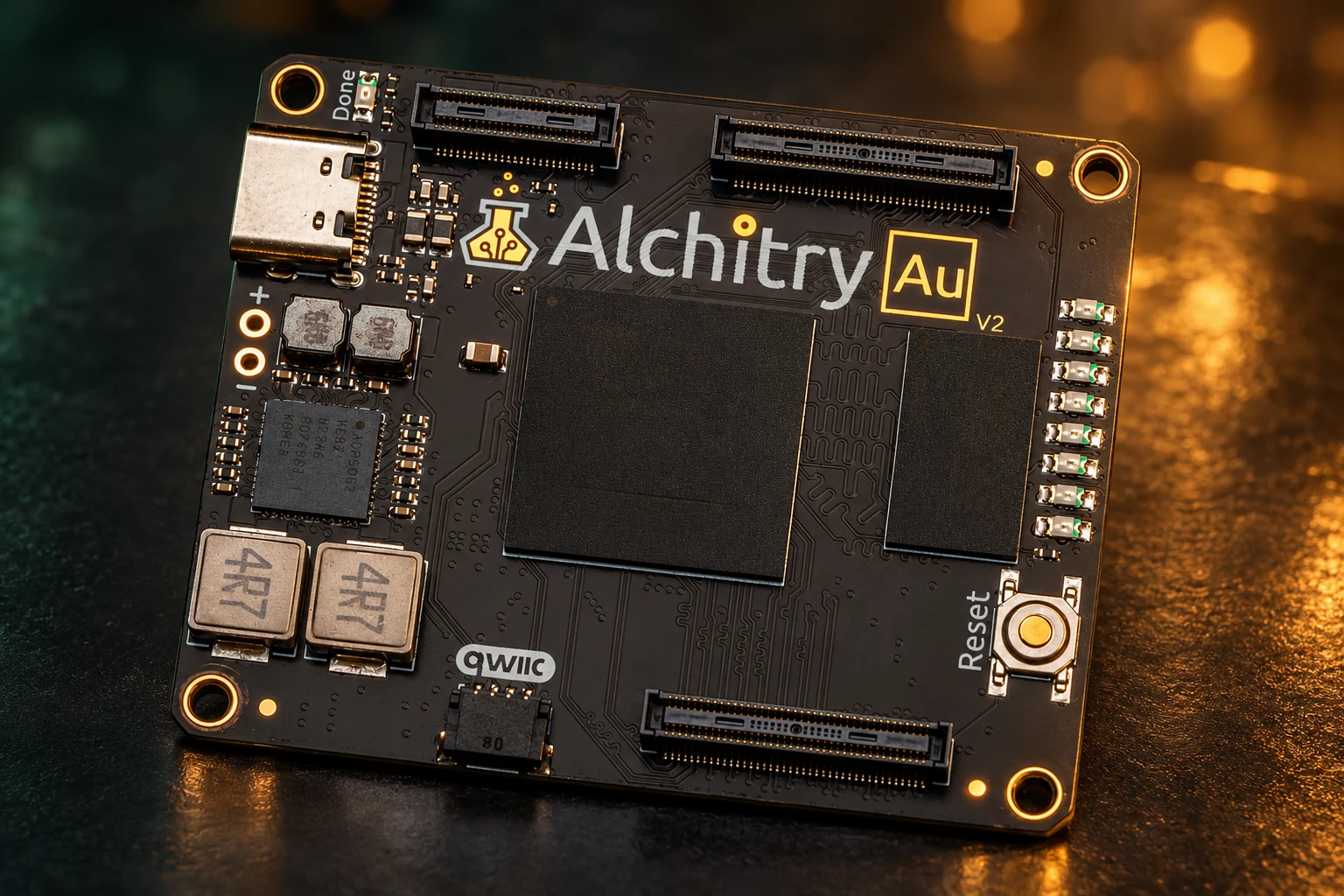
Alchitry Au V2 – staged original board
Au V2
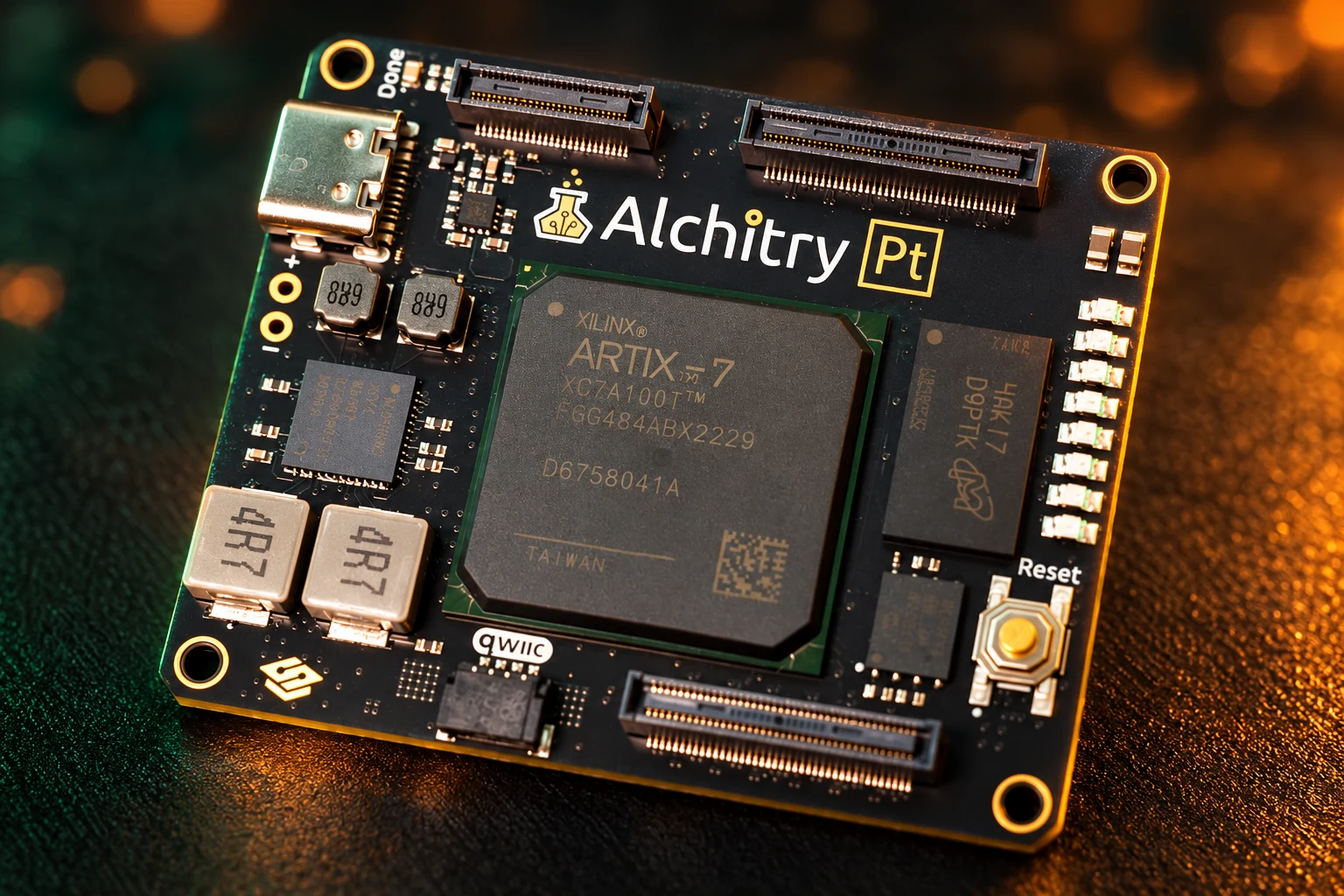
Alchitry Pt V2 – staged original board
Pt V2

YOUR BITBEARD. YOUR SETUP.

In the enclosure. In the assembly. In operation.

The LilyGo stays in its black-orange enclosure. Behind it sit the equally sized adapter and FPGA boards. Two running setups show how the components come together.

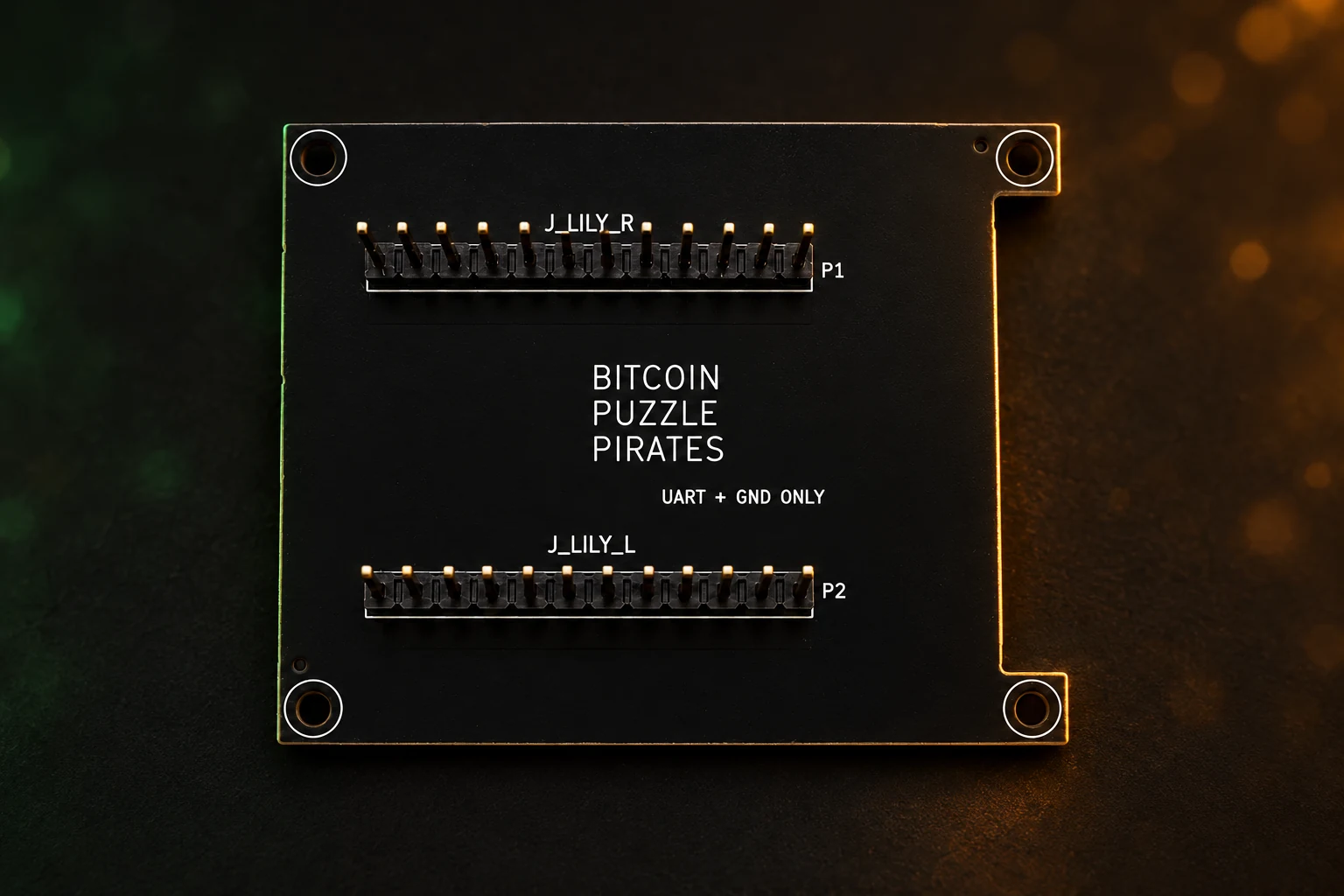
Staged after photos of the running devices: LilyGo in the original enclosure; adapter and FPGA with identical board size. Depending on the setup, Alchitry Sp fills the gap or Fn V2 provides cooling. LilyGo and FPGA are powered separately via USB-C; the connection board transmits UART and common signal ground.

BitBeard connection board – front side
Connection board · staged front view
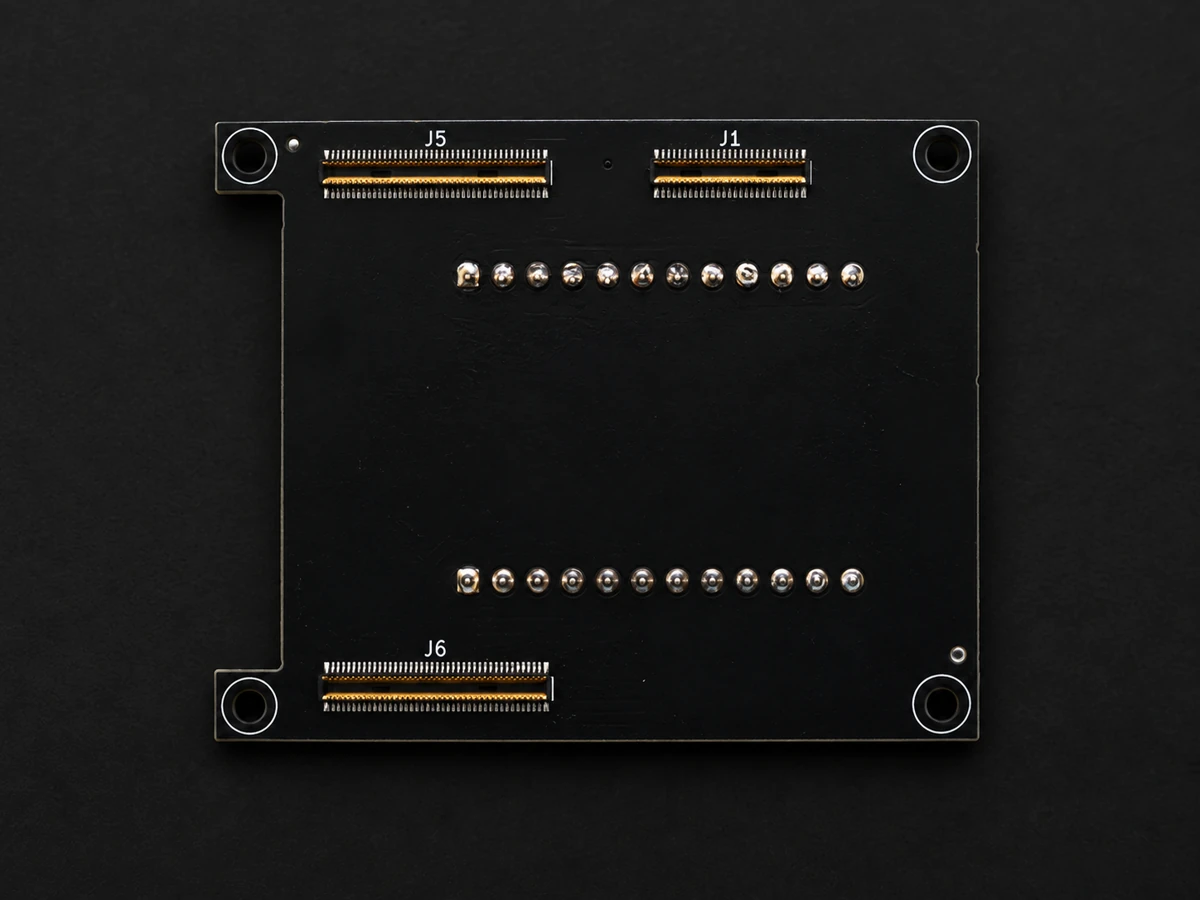
BitBeard UART adapter – unaltered original photo back side
Back side · original photo of connectors

Same PCB size. Compatible connection.

Adapter and FPGA have the same PCB size. The adapter connects UART and common ground. LilyGo and FPGA are each powered separately via USB-C.

Additional boards: Alchitry Sp · Fn V2

Start with Community. Go further with Pro.

Community and Pro at a glance
FunctionCommunityPro
CPU puzzle and address searchContainsContains, with expert settings
BIP39 helpers and local web interfaceContainsContains
Pool and Cluster–Contains
FPGA support–With supported external hardware
Automatic payout–Per released run

Output photos of the staged board motifs: Alchitry Au V2 and Pt V2AI-powered lighting/studio setup based on real hardware templates. FPGA hardware and Pro license are separate components.

Get the license offer →

Search success and computing power depend on the task and hardware; a find or profit is not guaranteed.